


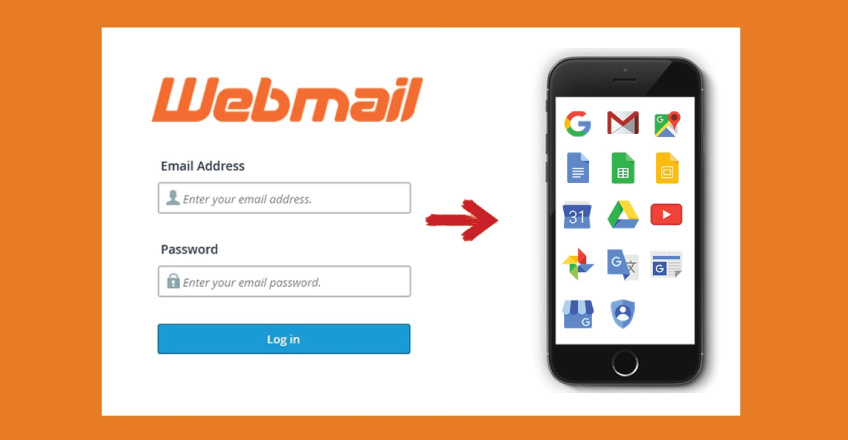
To access Webmail directly in your browser, copy and paste one of the following links in to your browser:
https://yourdomain.tld:2096
https://yourdomain.tld/webmail
http://webmail.yourdomain.tld
NOTE 1: Make sure to replace yourdomain.tld with your actual domain name you use with your hosting.
NOTE 2: Domain-based links may show SSL warnings if a certificate has not been installed; in this case, links like https://serverXX.web-hosting.com:2096 will work properly.
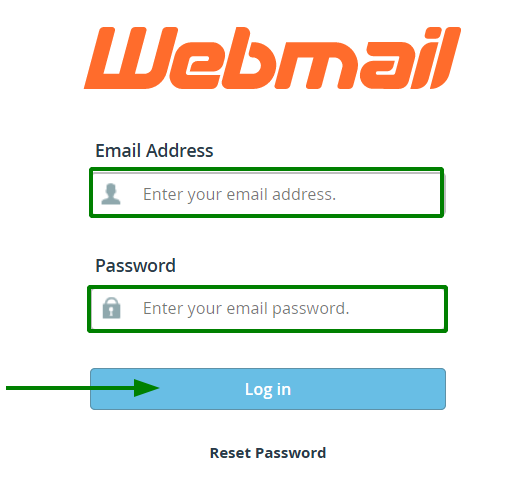
Once Webmail has loaded, enter the email address and the password of the account you want to access and click the Log in button:

Need help? We’re always here for you.
Host Masters
We make registering, hosting, and managing domains for yourself or others easy and affordable, because the internet needs people.